Meditation App Features Checklist: 2026 Buyer’s Guide

A meditation app features checklist is the structured framework that separates apps genuinely built for practice from those built for downloads. With hundreds of options available, from Headspace and Calm to newer AI-driven tools like Mosaiic, the difference between an app you use daily and one you delete after a week comes down to a specific set of functionalities. This guide covers every feature category worth evaluating, including guided sessions, sleep optimization, privacy controls, and AI personalization, so you can match the right app to your actual goals.
1. Core features every meditation app must have
The foundational features of any meditation app are onboarding, guided meditations, timers, progress tracking, and session scheduling. These five elements form the minimum viable product for any app serious about helping users build a lasting practice.
Onboarding and personalization flow sets the tone immediately. A good onboarding sequence asks about your experience level, goals, and available time before you ever start a session. Apps that skip this step force beginners to self-diagnose their needs, which is a fast path to abandonment.

Guided meditation sessions should be organized by use case, not just duration. The most useful guided session categories include stress relief, sleep, focus, anxiety support, compassion, body scan, breath awareness, and beginner basics. If an app lumps everything under “meditations,” it creates unnecessary friction for users with specific goals.
Timer functionality matters more than most people expect. A configurable timer with start and end bells, interval bells, background sound options, and the ability to save favorite configurations is what separates a useful unguided session from a frustrating one. Without these controls, experienced practitioners often abandon apps entirely.
Progress tracking and reminders close the loop. Retention depends on functional building blocks: structured content, habit reminders, and visible progress. Without these, users struggle to form lasting routines regardless of content quality.
Pro Tip: Before committing to any app, open the timer settings first. If you cannot configure bell sounds and session length in under 30 seconds, the app will create friction every single time you sit down to practice.
2. Sleep-focused features worth checking
Sleep is the single most common reason people download meditation apps, and it is also the category where most apps underperform. The features that matter for sleep-focused users are short sessions between 5 and 15 minutes, offline downloads, a dark-screen mode, and audio that fades out smoothly at the end.
The audio fade-out detail is not cosmetic. Abrupt session endings or loud post-session notifications can jolt a user awake at exactly the wrong moment. A sleep timer that cuts audio gradually over 60 to 90 seconds is a technical requirement, not a bonus feature.
Dark-screen mode and minimal interaction design also matter for bedtime use. An app that flashes bright achievement notifications or asks you to rate your session immediately after it ends is working against your sleep, not for it.
Pro Tip: Test any sleep meditation on your actual device and audio setup before relying on it. Volume stability and fade-out behavior vary significantly between Bluetooth speakers, earbuds, and phone speakers. What sounds smooth on one device can be jarring on another.
Here is a quick checklist for sleep-specific features:
- Sessions between 5 and 15 minutes
- Smooth audio fade-out at session end
- Dark-screen or low-light interface mode
- Sleep timer that stops audio without waking you
- No post-session notifications or achievement prompts
- Offline download capability for bedtime use without Wi-Fi
3. Advanced features that improve retention and customization
Beyond the basics, the features that keep users engaged over months rather than weeks fall into four categories: AI personalization, gamification, community tools, and device integrations.
AI-driven personalization is the most significant shift in meditation apps in 2026. Modern apps blend core features with dynamic content recommendations, wearable sync, and social aspects to attract and retain users. Mosaiic takes this further by generating a new guided session each day based on what the user describes as draining their energy, so no two days produce the same content.
Gamification requires careful handling. Streaks and badges can reinforce habit formation, but they can also create anxiety around missed days, which is the opposite of what meditation is for. The best implementations make streaks visible but not punitive. Missing a day should not reset your entire history.
Multi-language support and accessibility options are often overlooked in feature comparisons but matter enormously for global users. Closed captions, adjustable narration speed, and support for screen readers expand the usable audience significantly.
Biometric and wearable integrations with devices like Apple Watch or Garmin allow apps to track heart rate variability before and after sessions, giving users objective data on their progress. This feature appeals most to analytically minded users who want measurable outcomes alongside subjective experience.
For a deeper look at how context-specific sessions work in practice, the difference between generic and targeted content becomes clear quickly.
4. Privacy and offline functionality
Privacy is the most underrated item on any checklist for meditation apps. Meditation logs, mood notes, and session histories are sensitive personal data. The question every user should ask is whether that data stays on their device or travels to a server.
ZenGarden exemplifies the privacy-first approach: local storage only, no cloud sync, and full user control over data deletion. This model means no third-party access to your emotional logs, no targeted advertising based on your stress patterns, and no risk from data breaches.
Here is a comparison of privacy and offline approaches across app types:
| Feature | Privacy-first apps | Cloud-dependent apps |
|---|---|---|
| Data storage | Local device only | Remote servers |
| Offline access | Full functionality | Limited or none |
| Data deletion | User-controlled | Requires account deletion |
| Ad targeting risk | None | Possible |
| Breach exposure | Minimal | Higher |
Offline access is equally critical for consistent practice. Commuters, travelers, and caregivers often meditate in environments without reliable Wi-Fi. An app that requires a connection for every session is an app that fails you exactly when you need it most.
5. How to use this checklist to choose the right app
Applying a meditation app features checklist effectively means matching features to your specific goals rather than chasing the longest feature list. More options do not produce better outcomes. The right features for your situation do.
Start by identifying your primary goal: stress relief, better sleep, sharper focus, or building a beginner practice. Each goal maps to a different feature priority. Sleep users need fade-out audio and dark mode. Focus users need short, structured sessions with interval timers. Beginners need frictionless onboarding and guided paths.
Next, evaluate ease of use as a hard requirement. The best apps act like calm coaches, reducing barriers rather than adding setup steps. If starting a session requires more than two taps, the app will lose to the path of least resistance on a tired Tuesday evening.
Then test content variety without getting distracted by volume. An app with 500 sessions is not better than one with 50 if the 50 are precisely matched to your goals. For users who want adaptive daily sessions that evolve with their situation, the session count matters far less than the session relevance.
Pro Tip: Run a one-week trial with a single app before evaluating another. Switching apps mid-trial resets your ability to judge whether the features actually support your practice or just look good in a screenshot.
Key takeaways
The most effective meditation app is the one with the fewest barriers between you and a consistent daily practice, not the one with the most features.
| Point | Details |
|---|---|
| Core features are non-negotiable | Onboarding, guided sessions, timers, progress tracking, and reminders form the baseline for any app worth using. |
| Sleep features require technical precision | Smooth audio fade-out and dark-screen mode are functional requirements, not cosmetic additions. |
| Privacy deserves a hard look | Local-first data storage protects sensitive mood and session logs from server exposure and ad targeting. |
| Friction reduction drives retention | Apps that start a session in two taps outperform feature-heavy apps that require setup every time. |
| Match features to your goal | Stress, sleep, focus, and beginner users each need a different feature priority, not the same checklist. |
What I have learned from years of watching people quit meditation apps
Most people who abandon meditation apps do not quit because they lost interest in meditation. They quit because the app got in the way. I have seen this pattern repeat across every feature category: the app that sends a streak-broken notification at 11pm, the sleep session that ends with a loud chime, the onboarding flow that asks seven questions before letting you breathe once.
The apps that stick are almost always the ones that do less, but do it precisely. A single well-designed timer beats a cluttered dashboard of analytics. A five-minute session that actually addresses what you are going through beats a library of generic content you have to sort through yourself.
The privacy point is one I feel strongly about. Meditation is one of the most personal practices a person can have. The idea that mood logs and emotional check-ins are sitting on a commercial server, potentially informing ad targeting, should bother more people than it does. Local-first apps are not a niche preference. They are the right default for anything this personal.
My honest recommendation: start with core features, ignore gamification entirely for the first 90 days, and treat offline access as a hard requirement rather than a nice-to-have. If an app cannot build momentum without an internet connection, it is not built for real life.
— Giorgio
Try Mosaiic: built around this checklist from day one
Mosaiic is a personalized meditation app that generates a new guided session every day based on what you tell it is draining your energy. There is no generic library to scroll through. You describe your situation, and Mosaiic writes and narrates a five-minute session specific to that context. Each session builds on the last, so the content evolves as you do.
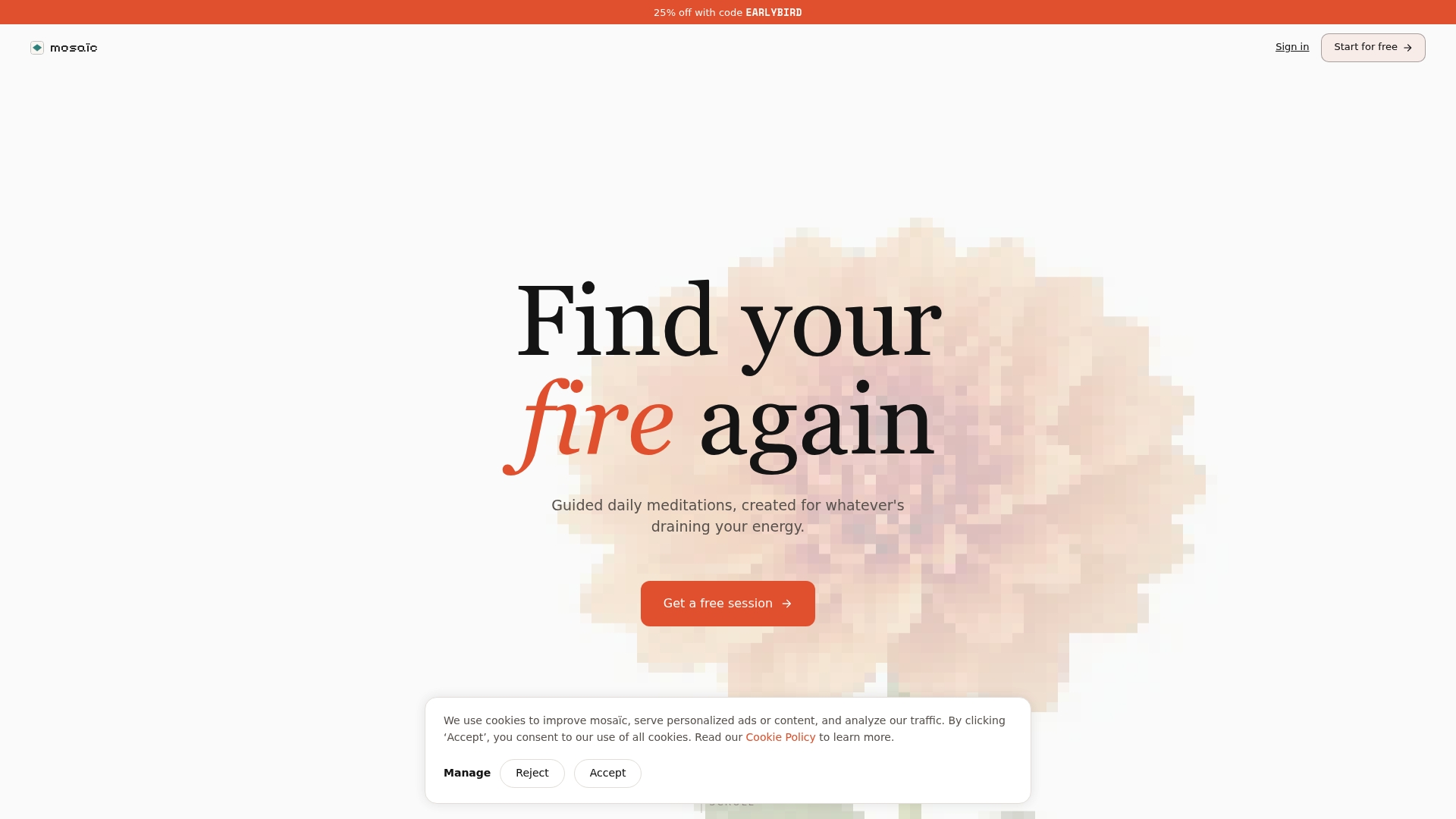
The app covers the full checklist: frictionless onboarding, context-specific guided sessions, progress tracking, and privacy-conscious design. The positioning is explicit: energy, not just calm. If you are tired of apps that leave you sleepier than when you started, start with Mosaiic and see what a session built around your actual day feels like.
FAQ
What features should every meditation app include?
Every meditation app should include guided sessions organized by goal, a configurable timer with bell options, progress tracking, session reminders, and smooth onboarding. These five core features are the baseline for building a consistent practice.
Why does audio fade-out matter for sleep meditation apps?
Abrupt audio endings or post-session notifications can wake users at the exact moment they are falling asleep. A gradual fade-out over 60 to 90 seconds is a critical sleep feature that most users only notice when it is missing.
Are meditation apps safe for storing personal mood data?
Safety depends entirely on where the data is stored. Apps that keep mood logs and session notes on your local device, like ZenGarden, carry minimal exposure risk. Apps that sync to remote servers introduce the possibility of data breaches and ad targeting based on your emotional patterns.
How do I choose between apps with similar feature sets?
Match features to your primary goal first: sleep, stress, focus, or beginner support. Then test ease of use by timing how long it takes to start a session. The app that gets you meditating fastest, with the least friction, is almost always the better long-term choice regardless of total feature count.
Do meditation apps need internet access to work?
The best apps offer full offline functionality through downloaded sessions and local timers. Requiring an internet connection for every session creates a dependency that fails commuters, travelers, and anyone in a low-signal environment.